No bot in the call.
Replay records from your Mac, so nobody new joins and there’s no “notetaker” for anyone to let in.
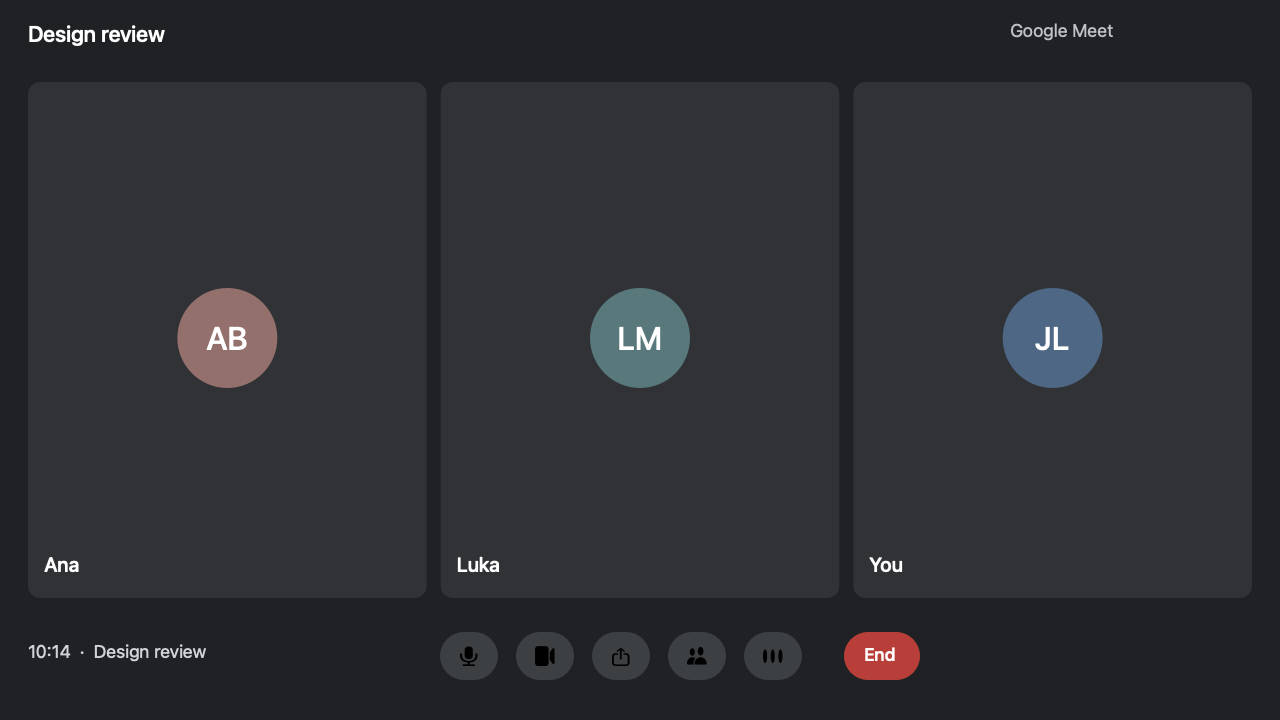
 Meet – Design review
ABAna Beridze
LMLuka Maisuradze
JLJordan Lee
No notetakerJust the people in it
Recording12:48
Replay records video and both sides of your Google Meet, Zoom and Microsoft Teams calls and Slack huddles without a bot. It transcribes the call and uses Apple Intelligence to draft editable notes on your Mac.
Product Hunt#10 Product of the Day
Launch on the 14th, pending QA sign-off. Finish QA by Friday. Share the launch page with Ana.
Send Priya the setup guide and confirm next week’s check-in.
Review onboarding and send feedback by Thursday.
Final assets are due on Monday.
Follow up on the first recording experience.
Check the empty states before handoff.
A quick check-in on the week’s progress and the last few open tasks.
 TUE3
Try the app. Search, open a recording, edit notes, or explore the sidebar.
Interactive mockup · Sample meetings · Recording and sharing are simulated.
Google MeetZoom Microsoft Teams
 Slack huddles
From the moment a call starts to the notes you read after, everything happens on your Mac.
Replay records from your Mac, so nobody new joins and there’s no “notetaker” for anyone to let in.
Meet – Design reviewEach side is recorded on its own, then evened out, so nobody plays back too quiet.
When a call starts, a small card offers to record it. One click.
Design review15sReplay transcribes on your Mac and labels the microphone and meeting audio separately. Name speakers and reassign lines as needed.
With Apple Intelligence, Replay drafts a summary, decisions and to-dos from the transcript.
The team moved launch to the 14th, pending QA sign-off by Friday.
A meeting bot records as a participant. Replay records from your Mac and keeps the files in your Movies folder.
ReplayOn your MacMeeting botsOtter, Fireflies and othersOtter.ai, Fireflies.ai, Fathom, Read.ai and tl;dv are trademarks of their owners, shown as examples of notetakers that join calls as a bot. Some also offer other ways to record.
Search your transcribed calls. Every match takes you to the moment it was said.
Which permissions Replay uses and where your recordings go.
Recording, transcription and search happen on your Mac. If you create a Share Link, Replay uploads a video copy for 1–12 hours, and you can revoke the link. Connected cloud assistants can receive the meeting content they read. Read how Replay handles your data.
macOS asks you first, and you can switch any of it off in System Settings, any time.
Every call is a folder in Movies: the video, the audio, the transcript and the notes. Open them with any app, back them up, or move them anywhere. They’re yours.
An hour-long call takes about 400 MB. As calls get older, Replay can keep a smaller copy, then just the sound and the transcript. The ones you choose stay exactly as recorded.
For an hour-long call. You choose when in Settings, or set a limit and the oldest calls get smaller first. Nothing changes until you turn it on.
Press ⌘K to record a call, jump to a meeting, or search everything, without reaching for the mouse.
Record Meet⌘1Record Zoom⌘2Record Teams⌘3Record Slack⌘4Use Replay’s read-only MCP connection to ask about your calls in Claude Desktop, Claude Code or another compatible client on your Mac.
Your assistant looks through your Replay meetings and answers with the moments it found.
Searched your meetings in Replay3 momentsKeep the $12 plan and add annual billing at $120. Dana confirmed it in Q4 Planning and will send the new pricing page by Friday.
Replay runs on your Mac. Choose a client that can launch a local command.
Run this in your terminal for Claude Code, or open Replay → Settings → Connect to AI. Read the MCP setup guide.
claude mcp add --scope user replay -- "/Applications/Replay.app/Contents/MacOS/Replay" --mcpA connected cloud assistant can receive the parts of your meeting it reads.
Practical guides for recording on your Mac, keeping notes offline, and finding a meeting in your AI assistant.
Replay captures your Google Meet window, browser audio and microphone on your Mac. You get a local video and searchable transcript, and no bot joins the call.
Zoom can record to your Mac when the host grants access. Replay also records the Zoom desktop app and adds searchable, on-device transcripts without a meeting bot.
Replay captures the Teams desktop app on your Mac, with meeting audio, your microphone and a searchable transcript. No meeting bot joins the call.
Record meeting video, the other participants’ audio and your microphone on a Mac. Compare Replay, Screenshot, OBS and your meeting app’s recorder, then test both sides before the call.
See which windows and audio sources Replay captures in Google Meet, Zoom and Microsoft Teams, and verify the result with a short test call.
Replay now records Slack huddles from the Slack Mac app: what’s on screen, everyone’s voices and your microphone. It notices when a huddle starts, offers to record it, and stops when it ends.
Learn how Replay transcribes meetings on your Mac, what works offline, which features need Apple Intelligence, and where your files are saved.
Transcribe a meeting in Replay, draft notes on your Mac, and use the original recording to check decisions, action items and details from shared slides.
Maya is a fictional independent product consultant. She uses Replay for Mac to record client calls without a bot, check what was agreed, and send a recap.
Connect Replay’s local meeting library to Claude Code, Claude Desktop or Cursor. Learn which MCP clients work, what they can read and how to set them up.
Something else? Email us.
Replay for Mac costs $10 USD once in the U.S., before tax. No subscription. One purchase activates two Macs. Paddle shows the price and tax for your country at checkout.
No. Replay records Google Meet, Zoom, Microsoft Teams and Slack huddles from your Mac. No bot joins as a participant, and there’s nothing to admit from the waiting room.
Each purchase activates two Macs. An activated Mac works offline indefinitely. Contact support if you need to replace a Mac.
On your Mac. Recording, transcripts, summaries and search all happen there, in ordinary files in your Movies folder. Sign in with your purchase email once to activate each Mac. Activation stores your email and a device license key on our server; activation never sends your recordings. Only videos you explicitly share are uploaded temporarily. After activation, work offline indefinitely.
A Mac app that records your Google Meet, Zoom and Teams calls and Slack huddles — the video, your voice and theirs — and then writes a transcript, a summary, decisions, action items and chapters. Everything happens on your Mac.
Videos are uploaded only when you choose Share Link. Choose 1–12 hours of public access and revoke the link at any time; the uploaded copy is deleted when access ends. Transcripts, notes and summaries stay on your Mac. Replay also connects for purchase activation and signed app updates. Your Mac downloads the speech model for your language once. If you connect an AI assistant like Claude, the parts of a meeting it reads go to that assistant — that's your choice.
Google Meet in a browser window and calls in the Zoom and Microsoft Teams Mac apps, plus Slack huddles. Choose a window to capture its video, the app’s audio and your microphone. Meet recordings can include sound from other tabs in the same browser. The Zoom and Teams recording prompt captures that app’s windows on the call’s display. In Teams, Replay can also capture a window or screen you present when sharing is detected. Slack huddles are recorded from the Slack Mac app. Replay notices a huddle when Slack uses your microphone and plays sound, and can stop when the huddle ends.
A Mac with Apple silicon and macOS 26 or later. Summaries need Apple Intelligence turned on.
Your voice and theirs are recorded separately, so every line is marked Me or Them. Name the speakers with a click (people from the calendar invite are suggested), and move a line to someone else to split a group call.
Yes. Many places require everyone's consent to record a call, and Replay doesn't announce itself, so say so at the start.
About 400 MB for an hour-long call. The transcript and notes take almost nothing next to that. You can have older calls made smaller, or kept as sound only, so they take less over time.